




Why Your Business Can’t Afford to Skip Data Protection Backup
Data protection backup is the practice of creating secure copies of your business-critical information and storing them separately from your primary systems, so you can restore operations quickly after data loss from hardware failure, cyberattacks, human error, or disasters.
Here’s what an effective data protection backup strategy includes:
- Three copies of your data – original plus two backups
- Two different storage types – such as external drives and cloud storage
- One copy stored off-site – at least a few miles away from your primary location
- Regular testing – quarterly recovery drills to verify backups actually work
- Clear recovery objectives – defined Recovery Point Objective (RPO) and Recovery Time Objective (RTO)
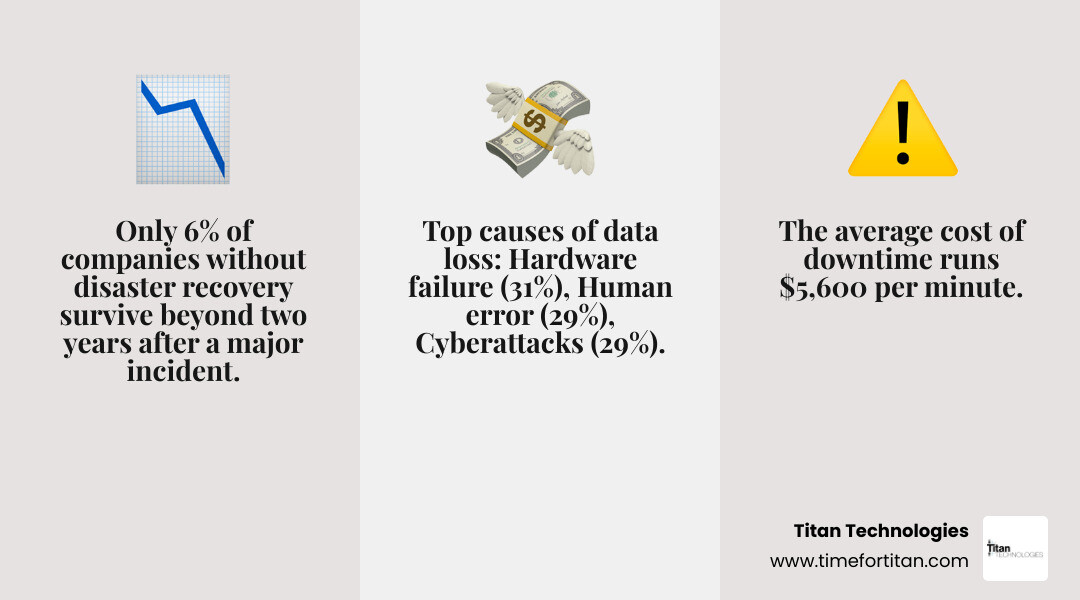
The statistics around data loss are sobering. Only 6% of companies without disaster recovery survive more than two years after a major incident. The average cost of downtime runs $5,600 per minute, which can quickly bankrupt a small or medium-sized business. Yet despite these risks, only 11% of computer owners back up their data daily.
The most common culprits? Hardware and system failures cause 31% of data loss, human error accounts for 29%, and viruses, malware, or ransomware make up another 29%. Ransomware alone figured into 44% of the breaches investigated in Verizon’s 2025 Data Breach Investigations Report.
Here’s the reality: Whether it’s an employee accidentally deleting a client folder, a hard drive dying without warning, or ransomware encrypting everything you own, data loss will happen. The only question is whether you’ll recover in hours or lose your business entirely.
I’m Paul Nebb, founder of Titan Technologies, and over the past 17 years I’ve helped countless New Jersey businesses implement data protection backup systems that actually work when disaster strikes. I’ve seen how proper backup strategies save companies while poor planning destroys them.
Find more about data protection backup:
The Fundamentals of Data Protection Backup
When we talk about data protection backup, we aren’t just talking about copying a few files to a thumb drive and calling it a day. A professional-grade strategy involves a sophisticated architecture designed to ensure that no matter what happens—a flood in Edison, a fire in Elizabeth, or a server crash in Newark—your business keeps moving.

At its core, a robust strategy relies on the 3-2-1 backup rule. This rule is the “gold standard” recommended by US-CERT and Carnegie Mellon. It dictates that you should have three copies of your data, on two different media types, with one copy kept off-site. While technology has evolved, this foundational principle remains the bedrock of backup and DR solutions.
To truly master your strategy, you must also understand the Data Protection Best Practices set by the Storage Networking Industry Association (SNIA), which emphasizes the need for automation and isolation to prevent a single point of failure from wiping out your entire history.
Why Data Protection Backup is Essential for Business Continuity
Business continuity is the ability of an organization to maintain essential functions during, as well as after, a disaster has occurred. Without a data protection backup, business continuity is impossible.
We often see businesses treat backups as an “IT thing,” but it’s actually a “survival thing.” According to FEMA, 40% of small businesses never reopen after a disaster, and another 25% shut down within one year. That’s a 65% failure rate. By having a plan, you aren’t just protecting files; you’re protecting the livelihoods of your employees in Trenton and the trust of your clients in Princeton.
If you want to dive deeper into why some businesses fail while others thrive after a crisis, check out our guide on The IT Disaster You’re Probably Not Prepared For.
Defining RPO and RTO in Your Strategy
To build a strategy that fits your budget and needs, you must define two critical metrics:
- Recovery Point Objective (RPO): This is your “data loss tolerance.” If your last backup was at midnight and your system crashes at 11 AM, you’ve lost 11 hours of work. Is that acceptable? For a retail shop in New Brunswick, maybe. For a financial firm in Lakewood, absolutely not.
- Recovery Time Objective (RTO): This is your “downtime tolerance.” How long can you afford to be offline? If it takes two days to download your data from the cloud, can your business survive 48 hours of zero productivity?
Understanding these numbers helps you decide how to protect your business data effectively. A lower RPO and RTO generally require more advanced (and frequent) backup technologies, like Continuous Data Protection (CDP).
Evolving the 3-2-1 Rule for Modern Ransomware Threats
The classic 3-2-1 rule was invented when the biggest threat was a failing hard drive. Today, the biggest threat is a hacker who wants to encrypt your data and then delete your backups so you’re forced to pay. This is why we now advocate for the 3-2-1-1-0 rule.
This evolved strategy adds two critical components:
- 1 Immutable Copy: This is a backup that cannot be changed, modified, or deleted for a set period, even by someone with administrator credentials.
- 0 Errors: This refers to automated recovery testing to ensure there are zero errors in the restoration process.
For a comprehensive look at how to stay ahead of these threats, read our latest insights on Ransomware Protection for Business 2026.
Securing Your Data Protection Backup with Encryption and Air-Gapping
To make your backups truly ransomware-resistant, you need more than just a copy. You need encryption and air-gapping.
Encryption ensures that even if a bad actor steals your backup files, they can’t read the sensitive information within them. We recommend 256-bit AES encryption both “at rest” (on the disk) and “in transit” (as it moves to the cloud).
Air-gapping is the practice of keeping a copy of your data entirely disconnected from your network. If a virus spreads through your office in Matawan, it can’t reach a drive that isn’t plugged in. Modern “logical” air-gapping often uses WORM (Write Once, Read Many) technology to create a similar barrier. These are essential Data Protection Security Controls for any modern enterprise.
The Role of Cloud and Object Storage
Cloud storage has revolutionized data protection backup by making off-site storage affordable for everyone. Instead of driving tapes to a vault, you can stream data to geographically redundant data centers.
Object storage, like Amazon S3 or Google Cloud Storage, is particularly useful because it supports “Object Lock.” This feature allows us to set a retention period where the data is physically impossible to delete, providing a perfect defense against ransomware. For businesses looking for local expertise, our Cloud Backup Services NJ can help bridge the gap between complex cloud architecture and your daily operations.
Choosing the Right Technology: CDP vs. Traditional Methods
Not all backups are created equal. Depending on your RPO and RTO, you might choose between traditional scheduled backups and Continuous Data Protection (CDP).
| Feature | Traditional Backup | Continuous Data Protection (CDP) | RAID / Mirroring |
|---|---|---|---|
| Frequency | Scheduled (e.g., nightly) | Real-time (every write) | Real-time |
| RPO | Hours (up to 24h) | Seconds | Zero |
| Point-in-Time Recovery | Limited to snapshots | Any point in time | None (deletions are mirrored) |
| Purpose | Long-term retention | Mission-critical uptime | Hardware redundancy |
True CDP vs. Near-CDP Solutions
There is a technical debate in our industry about what constitutes “True” CDP.
- True CDP: Captures every single data write as it happens at the BIOS or block level. This allows you to roll back to any second in time—perfect if a virus hits at 2:14 PM and you want to restore to 2:13 PM.
- Near-CDP: Takes very frequent snapshots (e.g., every 15 minutes). While not “every write,” it is often much more practical and less resource-heavy for most businesses.
As noted in InformationWeek, CDP is becoming more practical as bandwidth increases, but it still requires careful management to avoid slowing down your network.
Differences Between Backup, RAID, and Replication
A common mistake we see in Woodbridge and Freehold is business owners thinking RAID (Redundant Array of Independent Disks) is a backup. RAID is not a backup.
RAID protects you if a single hard drive fails by mirroring data to another drive. However, if an employee deletes a file, RAID faithfully mirrors that deletion. If ransomware encrypts your server, RAID mirrors the encryption. You still need a separate data protection backup to recover.
Similarly, replication (copying data to another site) is great for high availability, but it doesn’t provide the “versioning” you need to recover from a corruption that happened yesterday. For a full breakdown, see our article on Data Protection and Management.
Implementing a Scalable Strategy for Every Business Size
Whether you are a five-person shop in Red Bank or a large corporation in Newark, your backup needs will scale with you.
- Small Businesses: Focus on automation. You don’t have time to swap tapes. Use integrated SaaS backups for Microsoft 365 and Google Workspace to ensure your emails and docs are safe.
- Medium-Sized Organizations: Focus on scalability and RTO. A hybrid approach—local appliance for fast recovery and cloud for disaster protection—is usually the best fit.
- Large Enterprises: Focus on compliance and full-stack business continuity. You likely need Enterprise Data Protection Services that include regular audits and multi-region redundancy.
Testing and Maintenance Best Practices
A backup that hasn’t been tested is just a “hope.” We recommend designating a “Data Guardian” within your company—or hiring a managed service provider like us—to oversee the following:
- Weekly Log Reviews: Ensure backups actually ran.
- Quarterly Recovery Drills: Physically restore a random server to a virtual environment to prove it works.
- Integrity Checks: Use tools that check for “bit rot” or data corruption within the backup files themselves.
Effective Data Protection Management means you never have to guess if your data is safe.
Choosing the Right Solution for Your Needs
Choosing a vendor is about more than just price. You need to look at their support response times, their security certifications (like HIPAA or SOC2), and their ability to scale.
We often provide Data Protection Consulting Services to help businesses steer these choices. The goal is to find a solution that balances cost with the catastrophic risk of total data loss.
Frequently Asked Questions about Data Protection Backup
What is the difference between a backup and a disaster recovery plan?
A backup is the copy of your data. A Disaster Recovery (DR) plan is the process for using those copies to get your business back online. Backup is the “what”; DR is the “how.”
How often should a business test its backup restoration process?
At a minimum, we recommend quarterly. However, for mission-critical systems, monthly or even weekly automated “boot checks” (where the system automatically tries to start the backup in a sandbox) are better.
Can cloud storage alone satisfy the 3-2-1 backup rule?
Technically, if you use two different cloud providers (like AWS and Azure), you have two media types and off-site storage. However, we still recommend keeping one local copy (like a NAS) for much faster recovery speeds.
Conclusion
At Titan Technologies, we believe that your data is your most valuable asset. Don’t let a hardware failure or a cybercriminal take away everything you’ve built. Whether you’re located in Edison, New Brunswick, or any of our other Central New Jersey service areas, our team is ready to help you build a “crash-proof” business.
We provide managed IT services and cybersecurity solutions that ensure your network is managed efficiently and your data is protected with a 100% satisfaction guarantee.
Ready to secure your future? Protect your business with professional backup and recovery solutions